
QR menu

Scan at the table, order in seconds

The QR code on the table opens your menu; the guest picks, orders, and the order lands in your panel. No app to download, no separate QR menu subscription.

COM CafeTable 7Scan, open the menu, order
1 · QR on the tableScan this code with your phone
comcafe.com · Open the menu
COM CafeTable 7
CoffeeDessertsSnacks
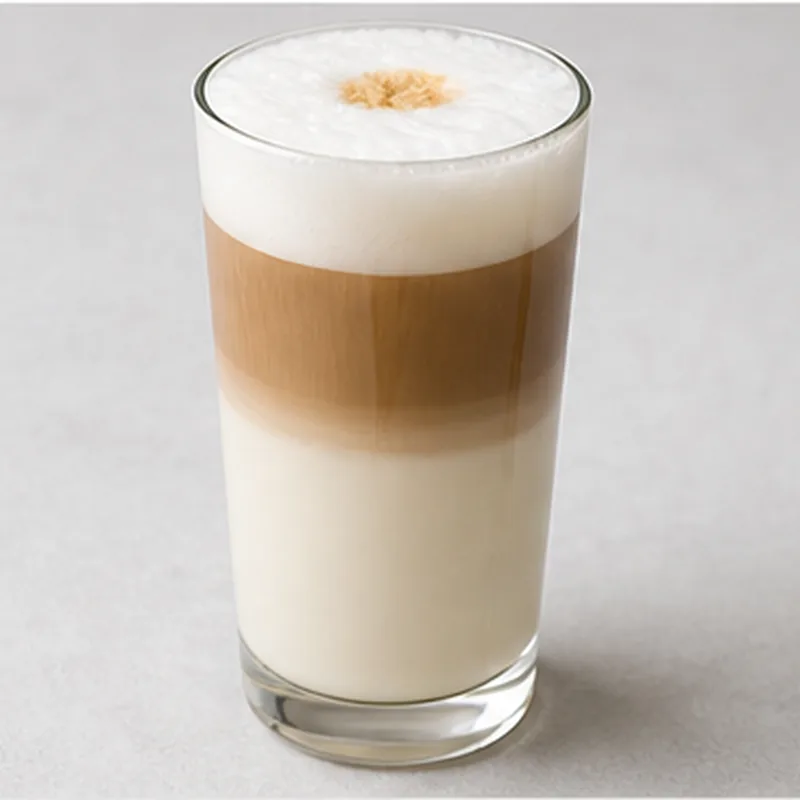
Latte$4.95
+
Turkish Coffee$3.95
+
Cappuccino$4.75
+
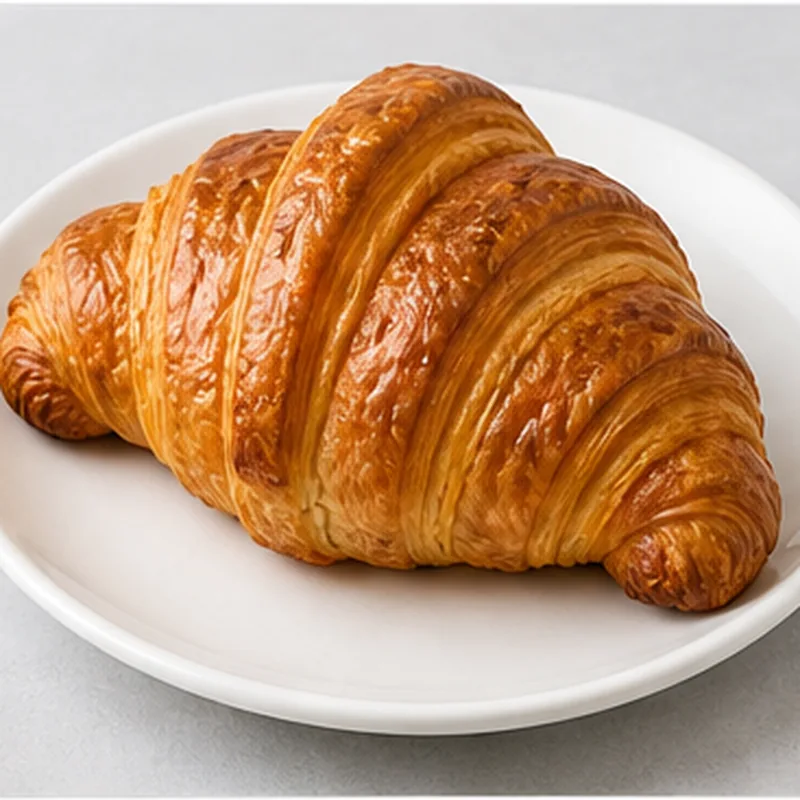
Croissant$3.95
+
Basque Cheesecake$7.50
+
0 items$0.00View cart

Your cart Table 7

  • Latte$4.95
  • Basque Cheesecake$7.50
  • Total$12.45
Pay at the tablePay by card now
Place order

Your order was sent to the cafe

Table 7 · 2 items · $12.45

2 · Menu and order on the phone
OrdersLive
Waiting for a new order…
Table 7New
  • 1 × Latte$4.95
  • 1 × Basque Cheesecake$7.50
Pay at the table$12.45
PreparingDone
Table 3Done
Pickup · GraceDone
3 · Order in the panel
QR menu

Everything a cafe or restaurant needs

From a photo menu to ordering at the table, included in your panel.

A QR code per table

A separate code for each table; orders arrive with the table number. Up to 200 tables.

Ready to print

Nine table cards on a letter size page, or one large code for the counter and window.

Photo menu

Categories, search, items with options and featured menus.

Table orders and pickup

Guests order from the table or place an order for pickup.

Pay by card or at the table

Guests pay by card right away or pay at the table.

Orders by text message

If you like, orders also arrive as a message on your phone.

Allergens and sold out

Allergen details, and one tap to mark an item "Sold out".

English and Spanish

Guests can read the menu in English or Spanish.

The QR code never changes

Change prices, items and photos; the code on the table stays the same and never needs reprinting.

One panel

Stop paying for a QR menu subscription alone

The QR menu is part of your panel, together with your store, your books and your orders.

With separate tools

  • The QR menu in one place, the store in another
  • Table orders on a separate screen
  • Sales typed into the books by hand
  • A separate bill for every tool

With COM Business Center

  • QR menu, store and bookkeeping in one panel
  • Table orders land on the Orders screen
  • Sales are booked automatically
  • One plan, no setup fee

Nine table cards, one page

Type the number of tables and the cards are ready, with your business name on top and the table number below. Print them or save them as a PDF.

  • Type the number of tables and the cards are ready
  • Nine cards on a letter size page
  • One large code for the counter and window
COM CafeTable 1Scan, open the menu, order
COM CafeTable 2Scan, open the menu, order
COM CafeTable 3Scan, open the menu, order
COM CafeTable 4Scan, open the menu, order
COM CafeTable 5Scan, open the menu, order
COM CafeTable 6Scan, open the menu, order
COM CafeTable 7Scan, open the menu, order
COM CafeTable 8Scan, open the menu, order
COM CafeTable 9Scan, open the menu, order
Questions

Frequently asked questions

Do guests need to download an app?

No. They scan the code with their phone camera and the menu opens in the browser.

Do I need to reprint the QR code when I change the menu?

No. The code points to the address of your menu, so it stays the same when items and prices change.

Where do orders go?

To the Orders screen in your panel, with the table number and note. You mark them Preparing and Done.

Does the QR menu cost extra?

No. It is part of your panel, together with your store, bookkeeping, email and appointments.

One panelfor your whole business

Business software, rebuilt from scratch. Your turn.

Register, store, marketplaces, accounting and email in one panel.